Word and Markdown downloads now keep headings and pictures
Word and Markdown downloads are now rebuilt from the page layout, with real headings and the pictures from the page.
Headings and pictures, not one plain line after another
The Word file used to give you every line of the page as plain text in one size, and the pictures were left out. Now the download is rebuilt from the layout of the page. Section headings become real Word headings, and pictures on the page are placed as images where they appear. It works for images and PDFs.
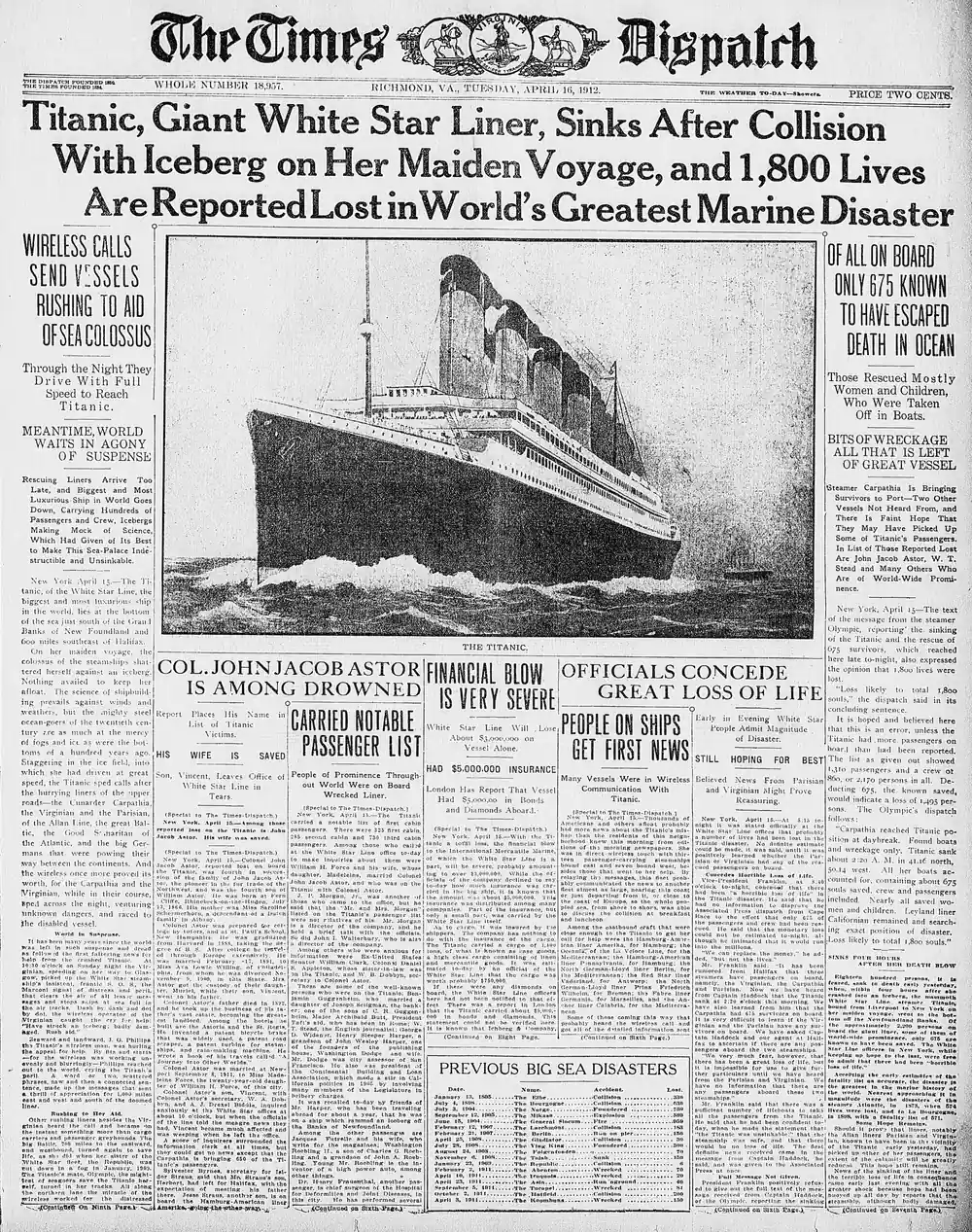
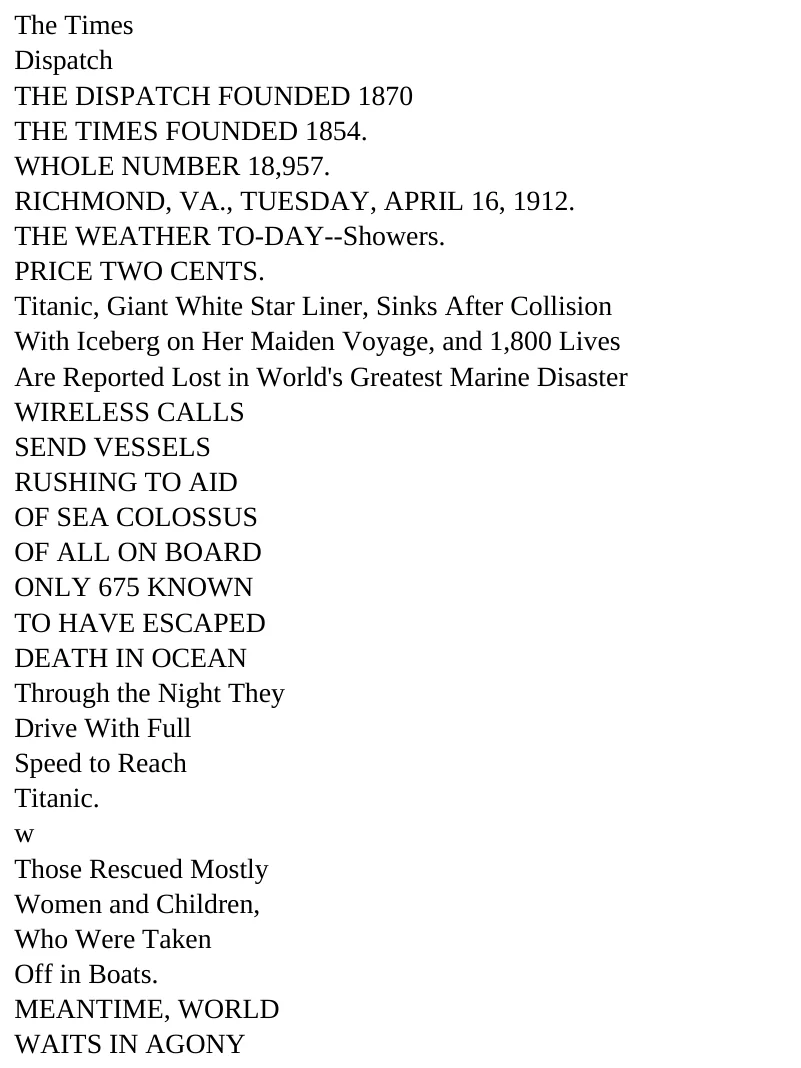
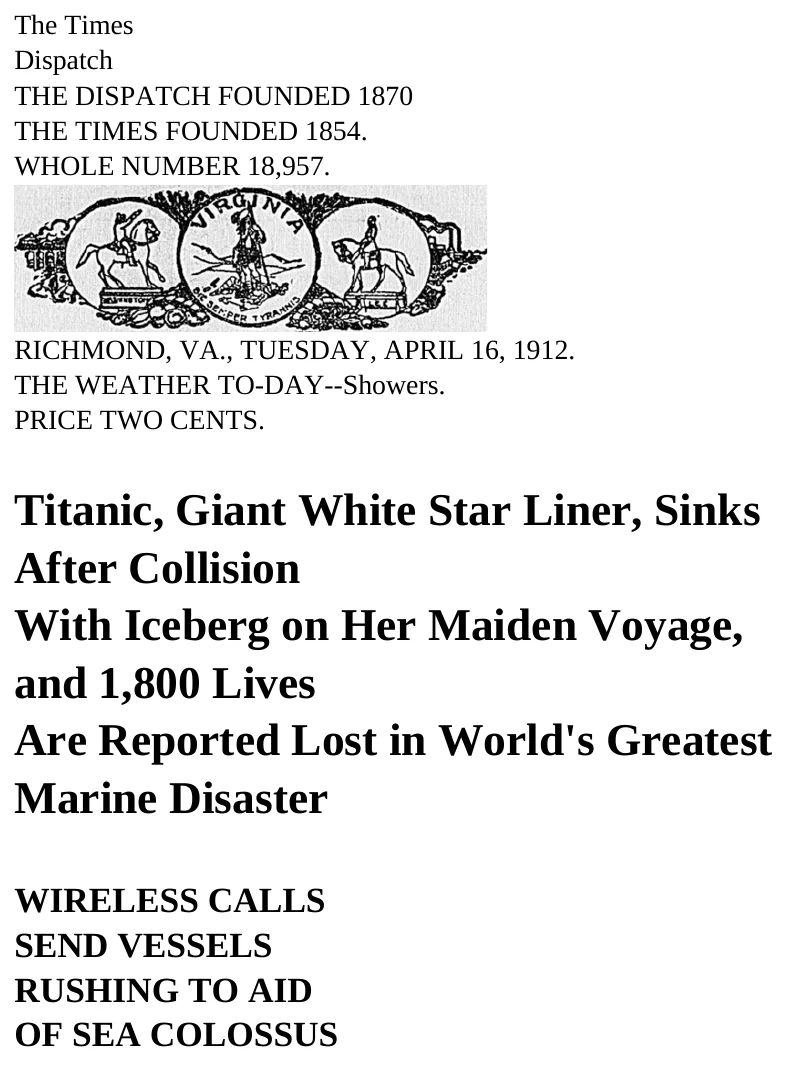
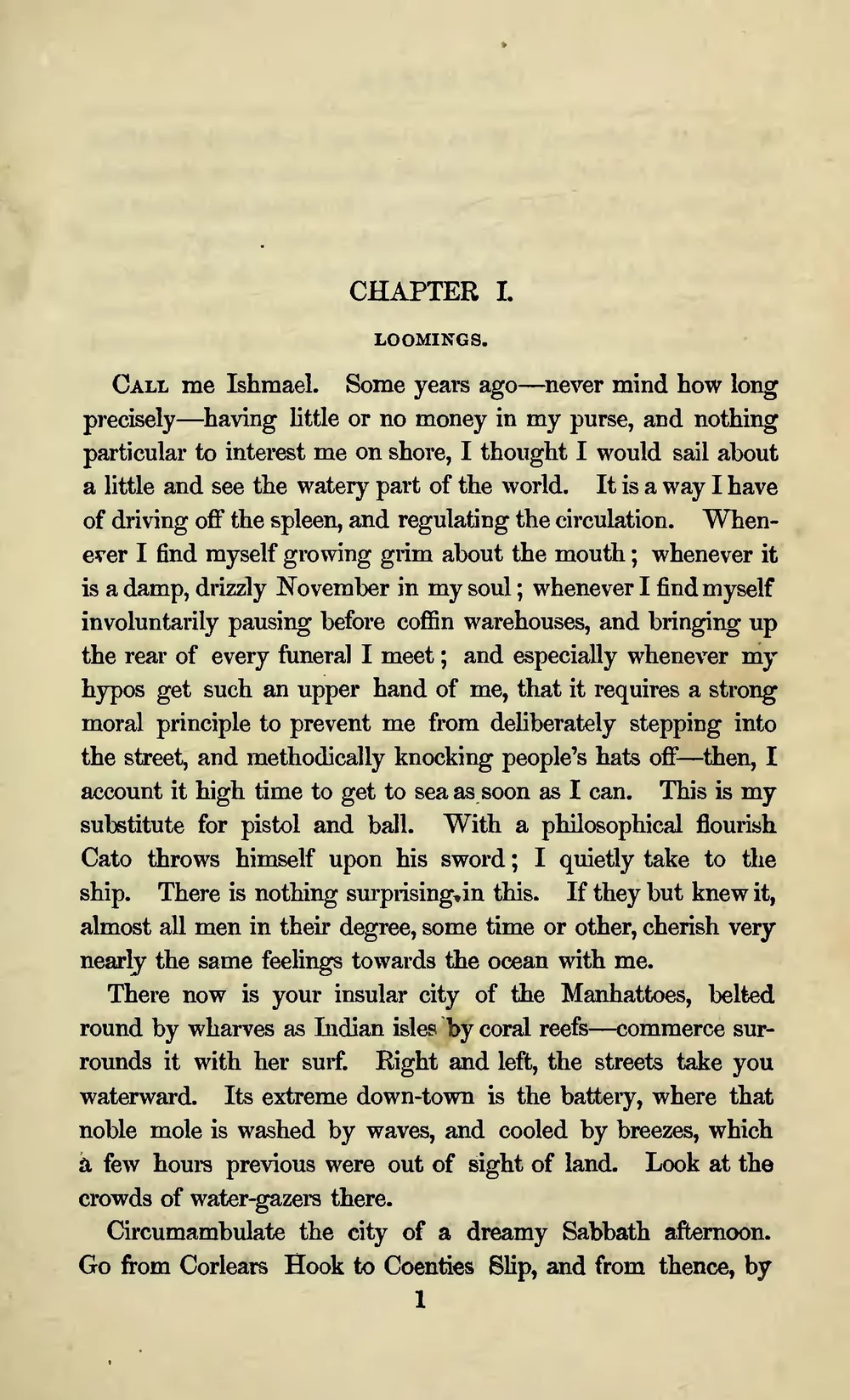
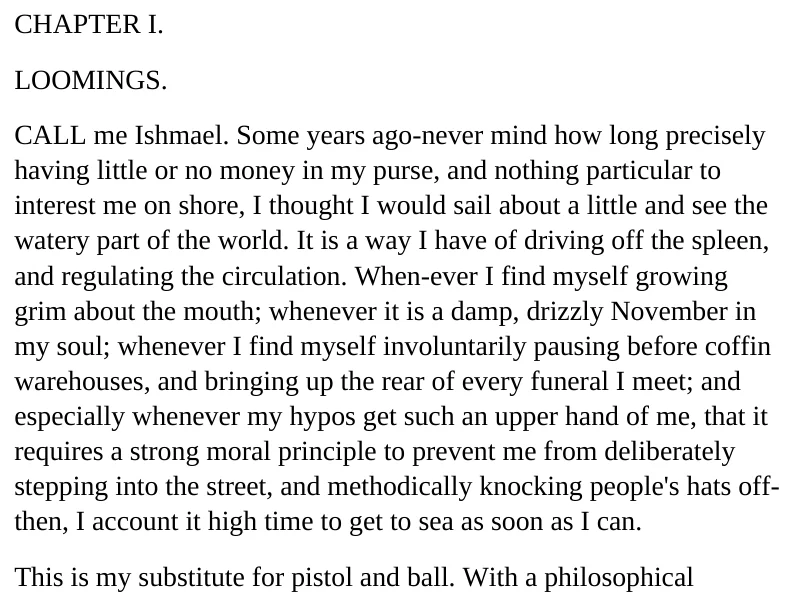
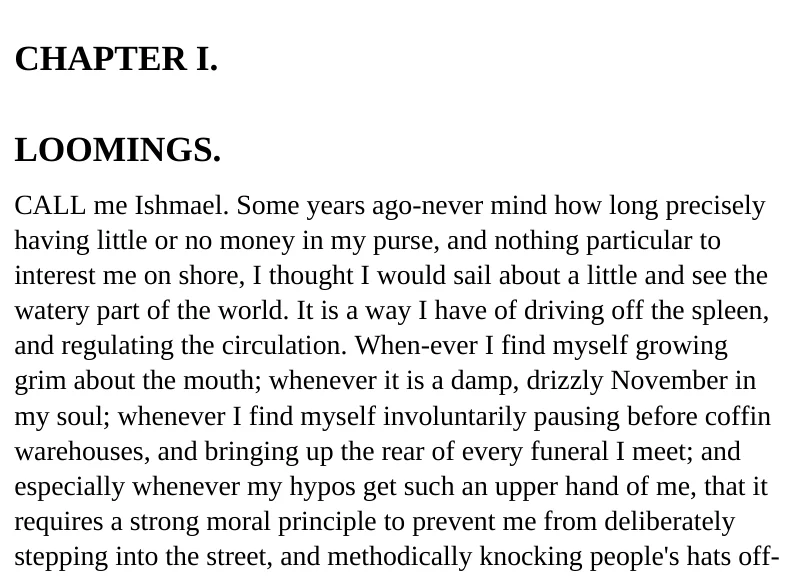
More of the page comes with it
Display equations are kept as images, and captions and footnotes stay in the file. Page headers and footers that repeat on every page are taken out of the body text. In Word, they go in the page header and footer.
Markdown is now one file
The Markdown download is now a single .md file with the pictures inside it, so it opens with its pictures in any Markdown viewer. Headings are Markdown headings.
Your text does not change
Every word of the OCR text is still there, in the same reading order as the results page.
A few seconds per page
After you click Word or Markdown, the file takes a few seconds per page to build. A progress panel shows while it builds. It works on free and paid plans at no extra charge.
What stays the same
.txt and searchable PDF
These downloads are unchanged.
Text you edited, polished or translated
This text is exported as plain paragraphs.
A selected area
Exporting a selected area works as before.
Tables
Tables stay real tables.
Where you will see it
- The Word (.docx) download for images and PDFs
- The Markdown (.md) download for images and PDFs