Spanish OCR — Image to Text & PDF
Extrae texto en español de imágenes y documentos al instante
- Accent-aware recognition
- Inverted punctuation
- Latin American variants
Free image OCR. No account needed. PDFs use pages.
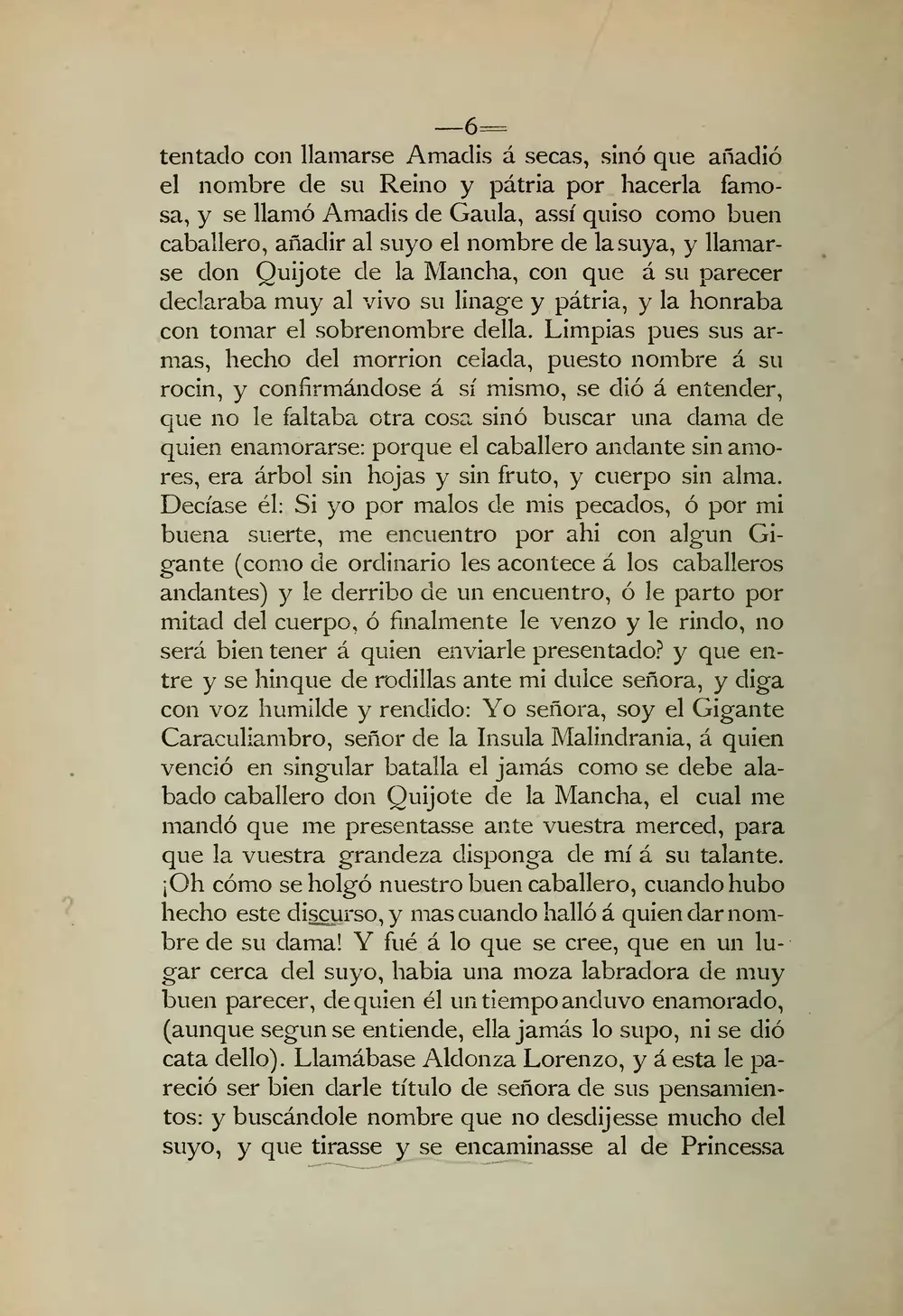
Don Quijote, 1884
Real scan. Unedited OCR.
-6-
tentado con llamarse Amadis á secas, sinó que añadió
el nombre de su Reino y pátria por hacerla famo-
sa, y se llamó Amadis de Gaula, assí quiso como buen
caballero, añadir al suyo el nombre de la suya, y llamar-
se don Quijote de la Mancha, con que á su parecer
declaraba muy al vivo su linage y pátria, y la honraba
con tomar el sobrenombre della. Limpias pues sus ar-
mas, hecho del morrion celada, puesto nombre á su
rocin, y confirmándose á sí mismo, se dió á entender,
que no le faltaba otra cosa sinó buscar una dama de
quien enamorarse: porque el caballero andante sin amo-
res, era árbol sin hojas y sin fruto, y cuerpo sin alma.
Decíase él: Si yo por malos de mis pecados, ó por mi
buena suerte, me encuentro por ahi con algun Gi-
gante(como de ordinario les acontece á los caballeros
andantes) y le derribo de un encuentro, ó le parto por
mitad del cuerpo, ó finalmente le venzo y le rindo, no
será bien tener á quien enviarle presentado? y que en-
tre y se hinque de rodillas ante mi dulce señora, y diga
con voz humilde y rendido: Yo señora, soy el Gigante
Caraculiambro, señor de la Insula Malindrania, á quien
venció en singular batalla el jamás como se debe ala-
bado caballero don Quijote de la Mancha, el cual me
mandó que me presentasse ante vuestra merced, para
que la vuestra grandeza disponga de mí á su talante.
¡Oh cómo se holgó nuestro buen caballero, cuando hubo
hecho este discurso, y mas cuando halló á quien dar nom-
bre de su dama! Y fué á lo que se cree, que en un lu-
gar cerca del suyo, habia una moza labradora de muy
buen parecer, de quien él un tiempo anduvo enamorado,
(aunque segun se entiende, ella jamás lo supo, ni se dió
cata dello). Llamábase Aldonza Lorenzo, y á esta le pa-
reció ser bien darle título de señora de sus pensamien-
tos: y buscándole nombre que no desdijesse mucho del
suyo, y que tirasse y se encaminasse al de Princessa
Original text order preserved
Spanish OCR converts images, scans and PDFs containing Spanish (Español) text into editable, searchable digital text. FastOCR reads Spanish online: upload an image with no account, or a PDF with a free account, then copy the text or download a searchable PDF. Accuracy depends on scan quality, so check the result against your original.
Try it with your Spanish document
Drop your file here
PDF, PNG, JPG, WebP, BMP, HEIC
PDF up to 1 GB · images up to 20 MB
Tips for a clear photo
- Lay the page flat.
- Use even light, with no shadows.
- Turn off the flash to avoid glare.
- Fill the frame with the page.
What is Spanish OCR & Developer API?
Developer API docs →Spanish OCR is the automated process of converting scanned multi-page PDFs up to 1GB and documents into editable, searchable Spanish text while preserving accents, complex ligatures, and native character shapes. FastOCR reads printed text in this script and generates full-text searchable PDFs with selectable text overlays. For engineering teams building RAG pipelines, vector search databases, or automated document ingestion, FastOCR also provides a Spanish OCR REST API at api.fastocr.org with 50 free pages a month for every signed-in account. The API accepts PDF files up to 1 GiB, and PNG, JPG, JPEG, GIF, WebP and BMP images up to 20 MiB. An image counts as one page.
Accent-aware recognition
Correctly handles á, é, í, ó, ú and ñ without confusion.
Inverted punctuation
Recognizes ¿ and ¡ marks unique to Spanish text.
Latin American variants
Works with all regional Spanish typography and formatting.
Mixed Spanish & English
Handles bilingual documents with both languages in one pass.
Searchable PDF output
Creates PDFs with invisible text layer for full-text search.
Translate after extraction
Extract Spanish text then translate to English or any language.
Why Spanish OCR Is Challenging
- Preserving accent marks on vowels (á, é, í, ó, ú) which change word meaning
- Correctly recognizing the ñ character and not confusing it with n or fi ligature
- Handling inverted punctuation marks ¿ and ¡ that open questions and exclamations
- Distinguishing ü in words like güe/güi from regular u with diacritics
- Processing documents mixing Spanish with indigenous language text in Latin America
How to Extract Spanish Text from a PDF & Images
- Go to fastocr.org
- Upload your Spanish image or PDF. Language is detected automatically.
- Wait for processing — images take seconds, PDFs show a progress bar.
- Download results: searchable PDF, raw text file, or copy text directly.
Tips for Better Spanish OCR Accuracy
- Verify accent marks after OCR — missing accents change meaning (e.g. si vs sí, mas vs más)
- Use high-contrast scans to ensure ñ tilde is not lost in low-resolution images
- Check inverted punctuation ¿¡ which many OCR engines drop or misplace
- For Latin American documents, watch for regional vocabulary and spelling variations
- Scan at 300 DPI minimum to preserve diacritical marks on vowels
Common Use Cases for Spanish OCR
- Digitizing Spanish-language legal contracts and notarial documents
- Extracting text from Latin American government forms and certificates
- Converting scanned Spanish academic theses and research papers
- Processing Spanish-language invoices and business correspondence
- Archiving historical Spanish colonial manuscripts and records
FastOCR vs Standard OCR Apps for Spanish
| Capability | FastOCR Dedicated Cloud AI | Standard Online OCR Tools |
|---|---|---|
| Spanish Script Recognition | ✅ Full native cloud recognition for Spanish (complex alphabets and diacritics) | Limited character sets or unhandled accents |
| Multi-Column & Table Layouts | ✅ Preserves proper paragraph and table alignment | Merges unrelated columns together |
| Searchable PDF/A Output | ✅ Dual-layer searchable PDF with coordinate-aligned text overlay | Plain unformatted text dump only or unsupported |
| Instant Web Access | ✅ Zero software installation (runs in mobile & desktop browser) | Requires local CLI libraries or complex desktop setup |
Frequently Asked Questions
Does Spanish OCR handle accent marks correctly?
Yes. FastOCR uses advanced AI technology which reliably recognizes Spanish accented vowels (á, é, í, ó, ú), ñ, and dieresis (ü).
Can I OCR a Spanish PDF and keep it searchable?
Yes. Upload your scanned Spanish PDF to FastOCR and it will create a searchable PDF with selectable Spanish text, preserving the original layout.
Is Spanish OCR free?
Image OCR is completely free with no registration. PDF processing requires a free account — see fastocr.org/pricing for plan details.
Does it work on handwritten Spanish text?
Partially. Printed Spanish text is read best. Handwritten Spanish is recognized less reliably, depending on legibility.
Dedicated Spanish Tools
PDF to Text
Convert and extract Spanish documents.
Image to Text
Convert and extract Spanish documents.
Handwriting OCR
Convert and extract Spanish documents.
Searchable PDF
Convert and extract Spanish documents.
Spanish to English Translation
Convert and extract Spanish documents.
English to Spanish Translation
Convert and extract Spanish documents.
All supported languages
Convert and extract Spanish documents.
Explore Specialized OCR Workflows
FastOCR provides dedicated AI text recognition engines optimized for complex document types and formats:
Free for images. No registration required.
Related Articles & Resources
Image to Text
Convert any image to editable text instantly
PDF to Text
Extract text from scanned and native PDFs
French OCR
OCR for another Romance language with accented characters
Portuguese OCR
Extract text from Portuguese documents with cedillas and accents
FastOCR vs OnlineOCR.net
See how FastOCR compares to OnlineOCR.net for Spanish text
What is OCR?
Learn how optical character recognition technology works.
How Accurate Is OCR?
Discover the accuracy limits of modern OCR technology.
Spanish OCR Guide
Read the complete guide to Spanish OCR and text extraction.
Free Spanish OCR
Upload & Extract TextLast updated: July 24, 2026