FastOCR for Windows now keeps headings and pictures in Word and Markdown
Word and Markdown files from the Windows app now keep headings, pictures, equations and captions, and move running heads into the Word header. Still offline.
Headings and pictures, on your PC
The Windows app used to save every line of the page as plain text in one size, with no pictures. Now Word and Markdown keep the page structure, as the example below shows for headings. Pictures (scans too), equations and captions stay, and running heads move into the Word header. Still offline.
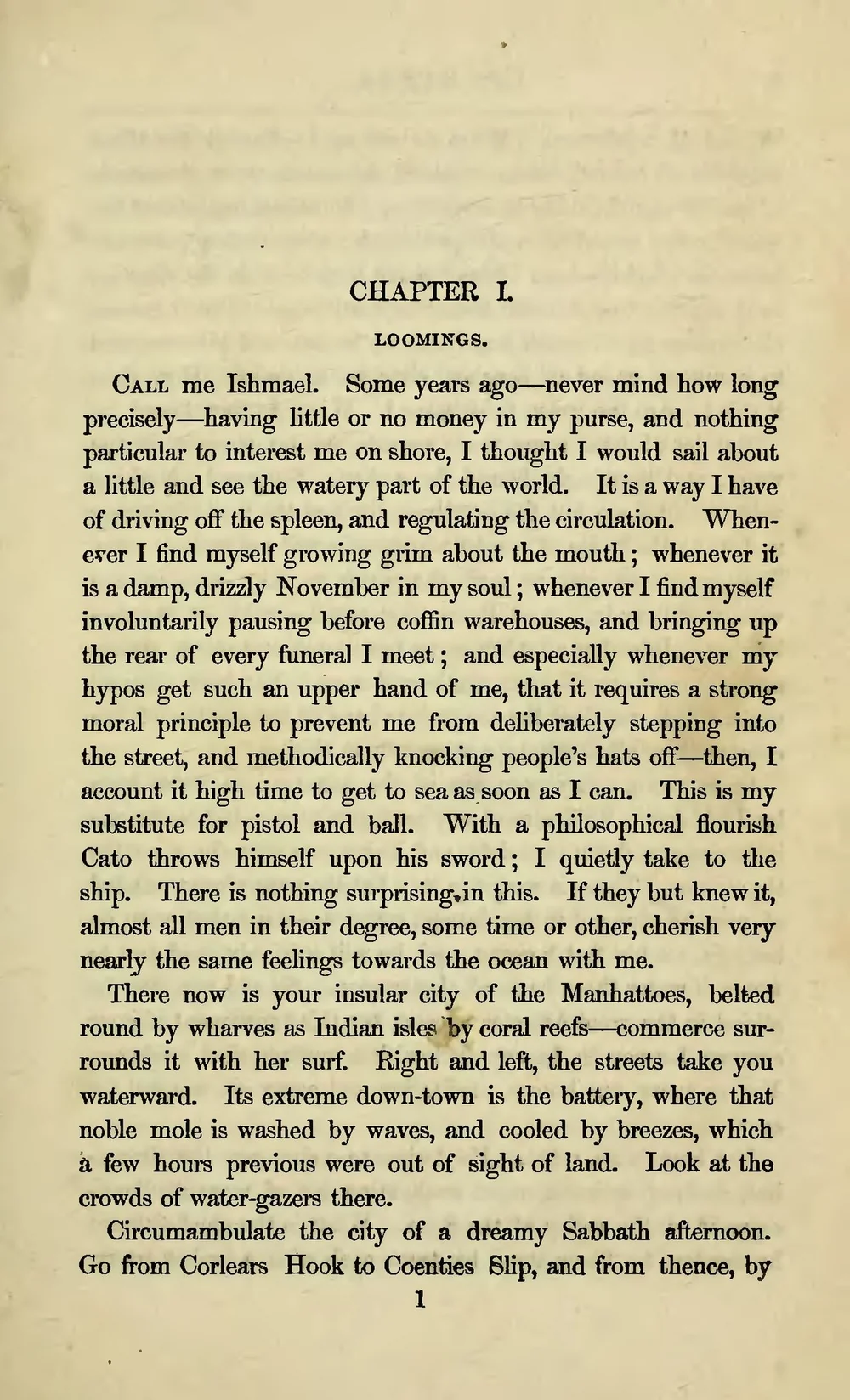
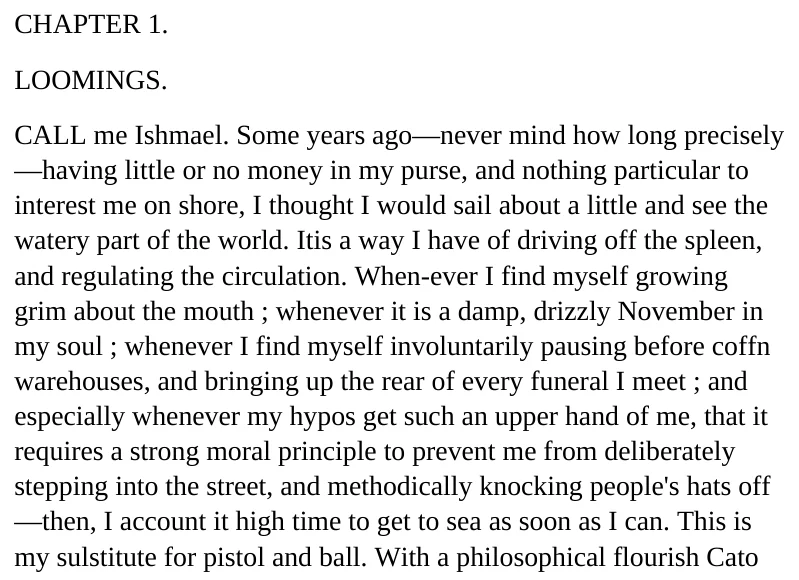
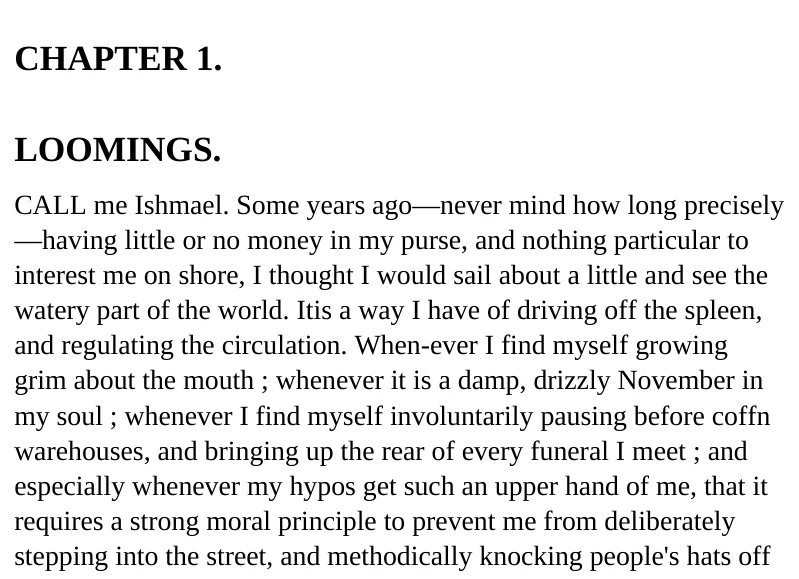
Nothing leaves your PC
The page is analysed on your PC and your document is never uploaded. The first time, the app downloads a one-time 171 MB layout model in the background. After that it works fully offline.
What you need
Windows 10 22H2 or Windows 11, 64-bit Intel or AMD. There is nothing else to install. The app downloads a one-time 171 MB layout model in the background, then it works fully offline.
Your text does not change
No text is lost, and tables stay as they were. On our test pages the first save waited about 1 second for a one-page document and 4 seconds for 10 pages.
What stays the same
TXT and searchable PDF
These files are unchanged.
Tables
Tables stay real tables.
Free
No account and no extra charge.
Where you will see it
- Save As Word (.docx) in FastOCR for Windows 0.3.0
- Save As Markdown (.md) in FastOCR for Windows 0.3.0