How to convert ING statements in 3 simple steps
Check your statement
The converter reads bank statements, digital PDFs and scans, from personal and business current, checking and savings accounts.
Upload your statement
Sign in and upload your account statement.
Download the files
Save the Excel and CSV files once the page shows the reconciliation result.
ING Statement Extraction Features
What it reads
Bank statements, digital PDFs and scans, from personal and business current, checking and savings accounts.
What it does not read
Credit card and loan statements are not supported.
Excel and CSV
Results download as Excel and CSV files.
Frequently asked questions
Does FastOCR read ING statements?
Yes. FastOCR reads ING account statements into Excel, CSV and QuickBooks files.
Which statements can I convert?
Bank statements, digital PDFs and scans, from personal and business current, checking and savings accounts. Credit card and loan statements are not supported. Sign in, and your first 50 statement pages are free.
Which ING document should I convert?
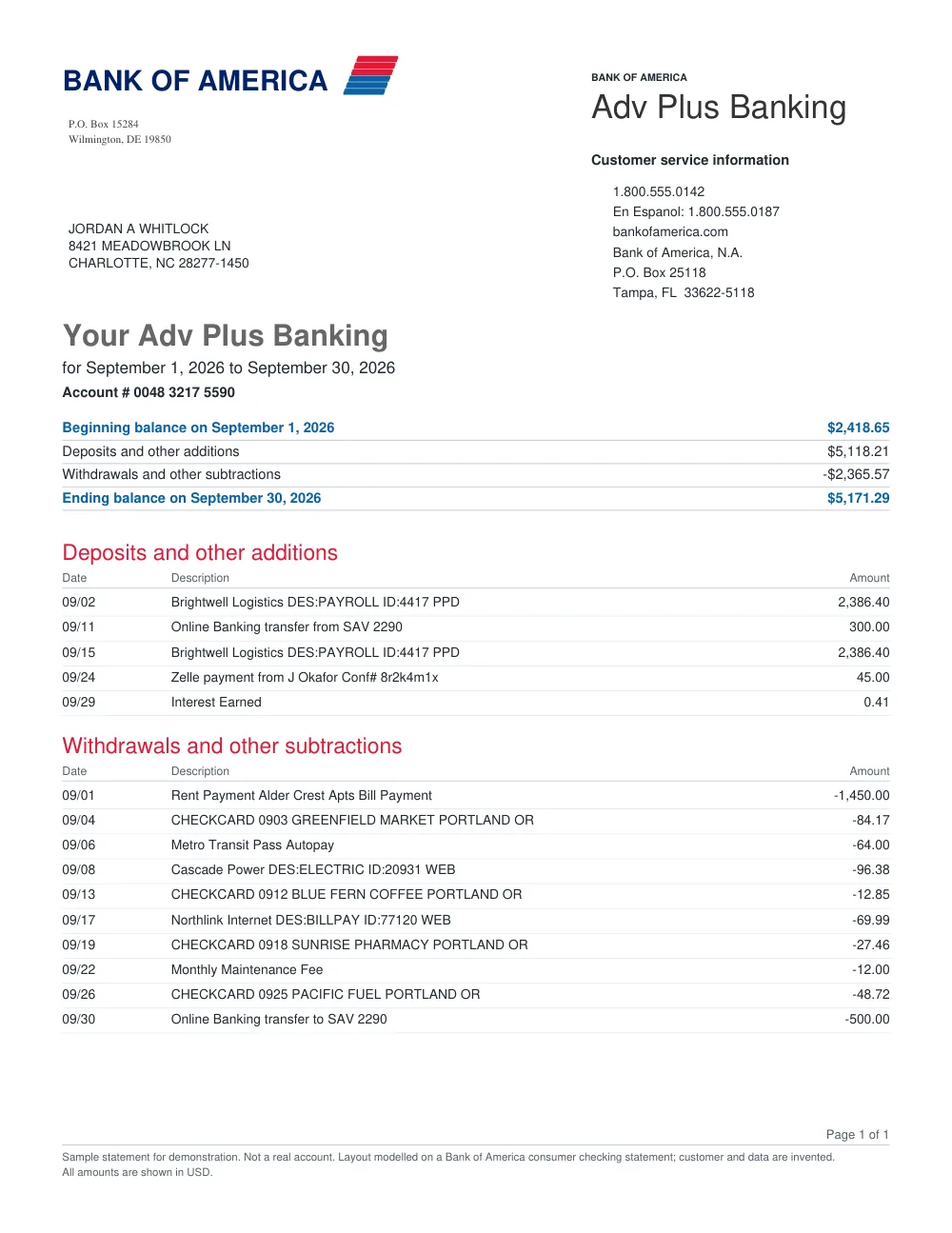
Use an account statement covering the period you need, with the account details, transactions and opening and closing balances. Include every page. An individual transfer receipt or an annual tax summary is not a substitute for the transaction statement. A digital PDF reads best; scans and photos may need more review.
What should I check before importing ING transactions?
Compare the transaction dates, descriptions and amounts with the original ING statement. Check that incoming and outgoing payments have the right direction before importing into your accounting software. “Reconciled” checks the opening balance plus money in minus money out against the closing balance; dates and descriptions still need your review.
Other popular bank statement converters
Looking for a general statement tool? Return to the main Bank Statement Converter, import into QuickBooks, or read the bank statement OCR guide.