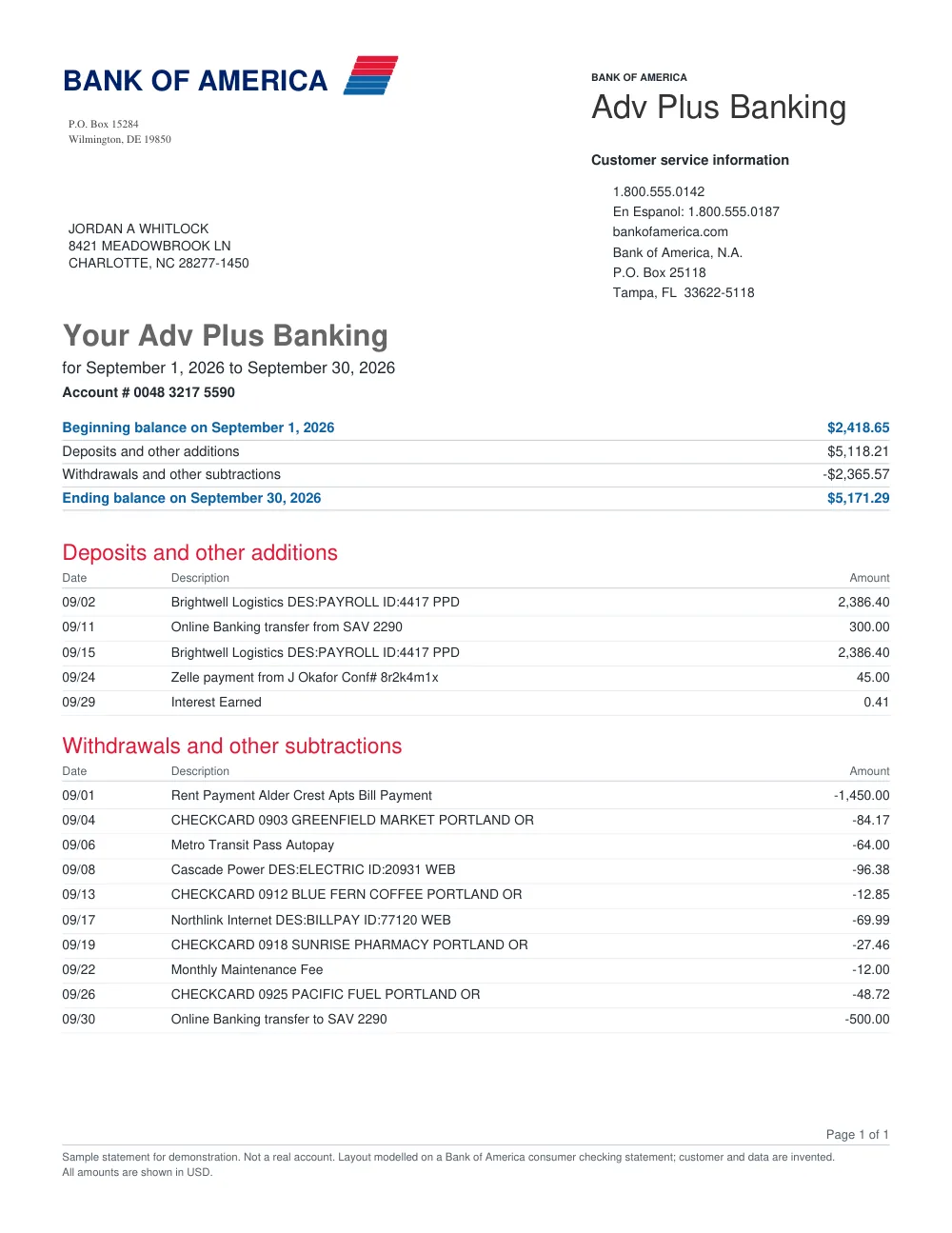
How to convert Chase statements in 3 simple steps
Upload your Chase statement
Drag and drop your Chase PDF statement (up to 50 MiB).
FastOCR organizes the transactions
The converter reads dates, amounts, and descriptions, checking balance numbers across pages.
Download your spreadsheet
Export clean Excel (.xlsx), CSV, or JSON files ready for spreadsheets or accounting tools.
Chase Statement Extraction Features
Multi-Page Chase PDF Support
Convert single-month or multi-month Chase checking and savings statements in one go.
Organized Date, Debit & Credit Columns
Separates money in and money out clearly so your transactions are ready to sort and filter.
Built-in Statement Checks
Flags transactions or balance numbers that may need manual review against your original document.
Excel, CSV, and JSON Exports
Download in standard XLSX for Microsoft Excel, CSV for accounting feeds, or JSON for custom workflows.
Frequently asked questions
Can I convert a scanned or photographed Chase statement?
Yes. Digital PDF statements downloaded from online banking read best. Scanned statements and photos are read with OCR and may need more review.
Is there a free trial for Chase statements?
Yes. After signing in, your first 50 statement pages are free.
What do the status flags mean?
“Reconciled” means the opening balance plus money in minus money out equals the closing balance. “Not reconciled” means it does not. “Could not be checked” means the opening or closing balance was not found. Rows marked “Check” should be compared with the original Chase statement.
How long are my converted files saved?
Your uploaded statements and generated spreadsheets are available in your account for about 30 days.
Other popular bank statement converters
Looking for a general statement tool? Return to the main Bank Statement Converter or read the bank statement OCR guide.