How to convert Deutsche Bank statements in 3 simple steps
Check your statement
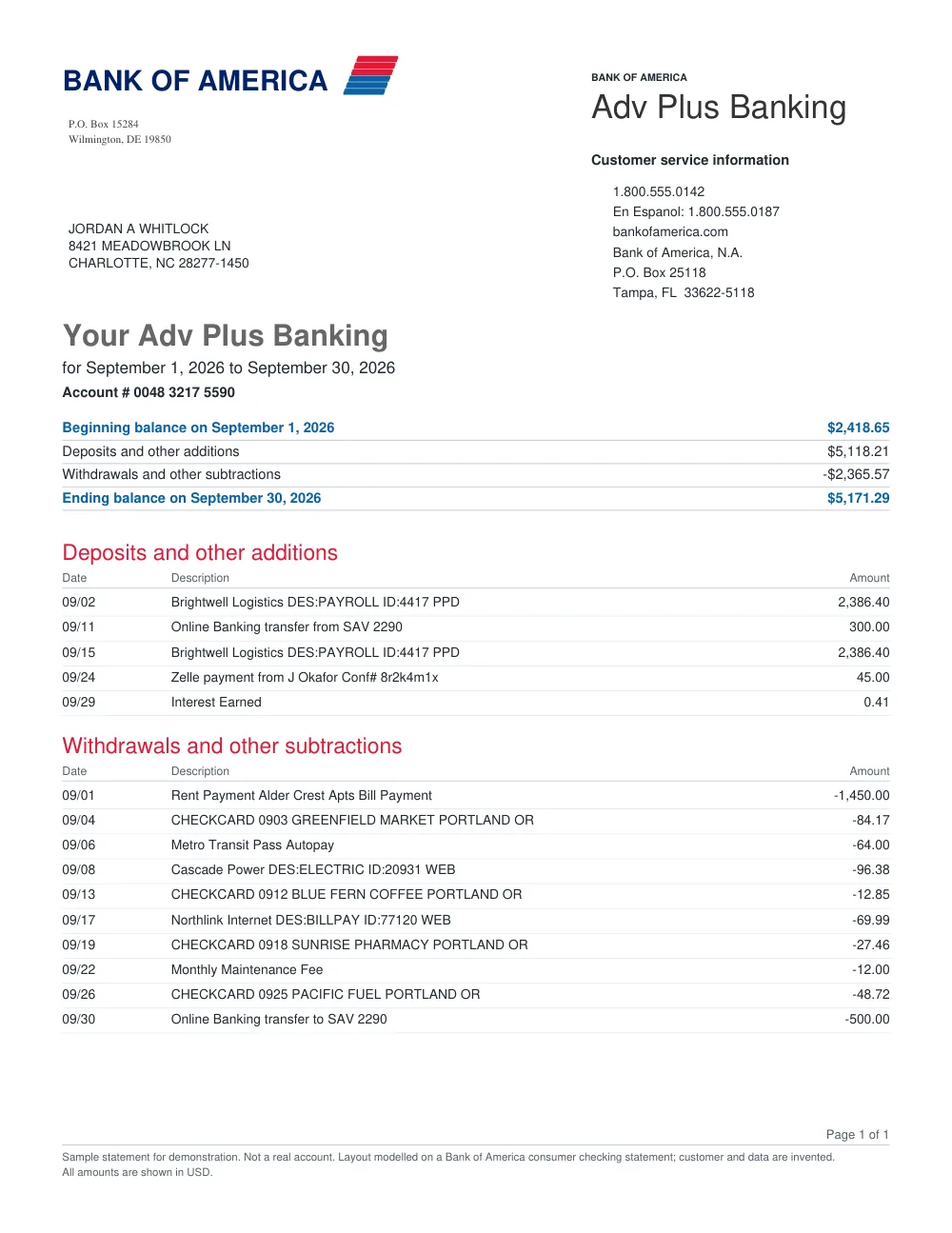
The converter reads bank statements, digital PDFs and scans, from personal and business current, checking and savings accounts.
Upload your statement
Sign in and upload your account statement.
Download the files
Save the Excel and CSV files once the page shows the reconciliation result.
Deutsche Bank Statement Extraction Features
What it reads
Bank statements, digital PDFs and scans, from personal and business current, checking and savings accounts.
What it does not read
Credit card and loan statements are not supported.
Excel and CSV
Results download as Excel and CSV files.
Frequently asked questions
Does FastOCR read Deutsche Bank statements?
Yes. FastOCR reads Deutsche Bank account statements into Excel, CSV and QuickBooks files.
Which statements can I convert?
Bank statements, digital PDFs and scans, from personal and business current, checking and savings accounts. Credit card and loan statements are not supported. Sign in, and your first 50 statement pages are free.
Where can I find my Deutsche Bank account statement?
If your digital mailbox is activated, Deutsche Bank makes account statements available under Nachrichten in online banking or its app. Use the full Kontoauszug for the period rather than an individual payment confirmation. Keep every page, including the opening and closing balances, when uploading the statement.
How should I review the Deutsche Bank spreadsheet?
Check the dates and German transaction descriptions against your Kontoauszug, then compare the debit and credit amounts and balances. “Reconciled” checks that the opening balance plus money in minus money out equals the closing balance. It does not validate dates or descriptions, so review those and any rows marked “Check” before importing.
Other popular bank statement converters
Looking for a general statement tool? Return to the main Bank Statement Converter, import into QuickBooks, or read the bank statement OCR guide.