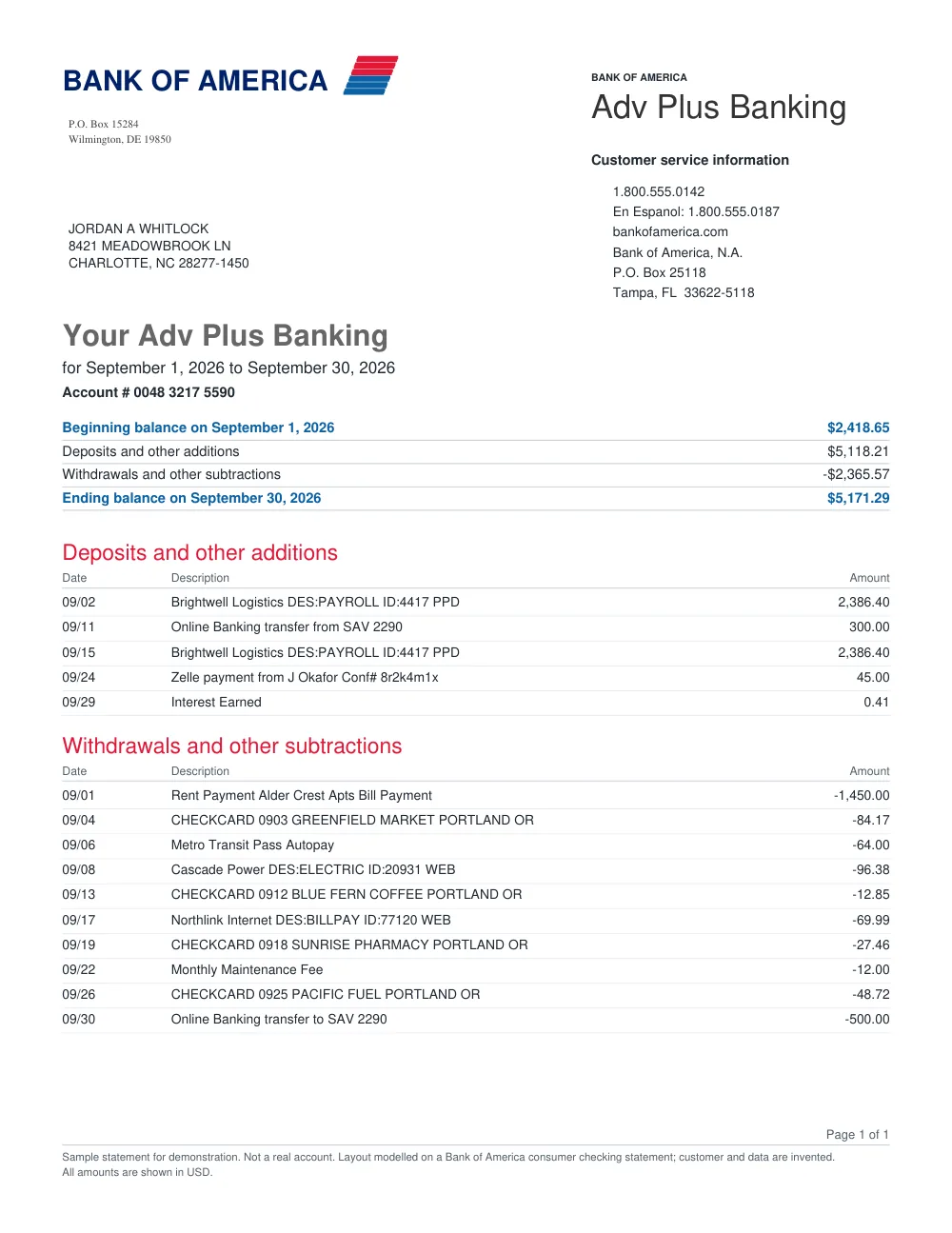
How to convert TD Bank statements in 3 simple steps
1
Upload TD Bank statement
Upload your TD Bank PDF statement.
2
Extract table data
FastOCR identifies all transactions and checks statement totals.
3
Download file
Export your verified spreadsheet in Excel, CSV, or JSON format.
TD Bank Statement Extraction Features
TD Bank Statement Structure
Extracts deposits, withdrawals, electronic transfers, and balance summaries.
Multi-Page Handling
Processes multi-page TD Bank statements in continuous sequence.
Review Flags
Highlights items that may need verification against the source document.
Standard Exports
Export to Excel (.xlsx), CSV, or structured JSON.
Frequently asked questions
Does FastOCR support TD Bank US and Canada statements?
FastOCR reads TD Bank US checking, savings, and business account statements in English. Canadian statements are not supported yet.
How many free pages do I get?
After creating an account, your first 50 statement pages are free.
Other popular bank statement converters
Looking for a general statement tool? Return to the main Bank Statement Converter or read the bank statement OCR guide.