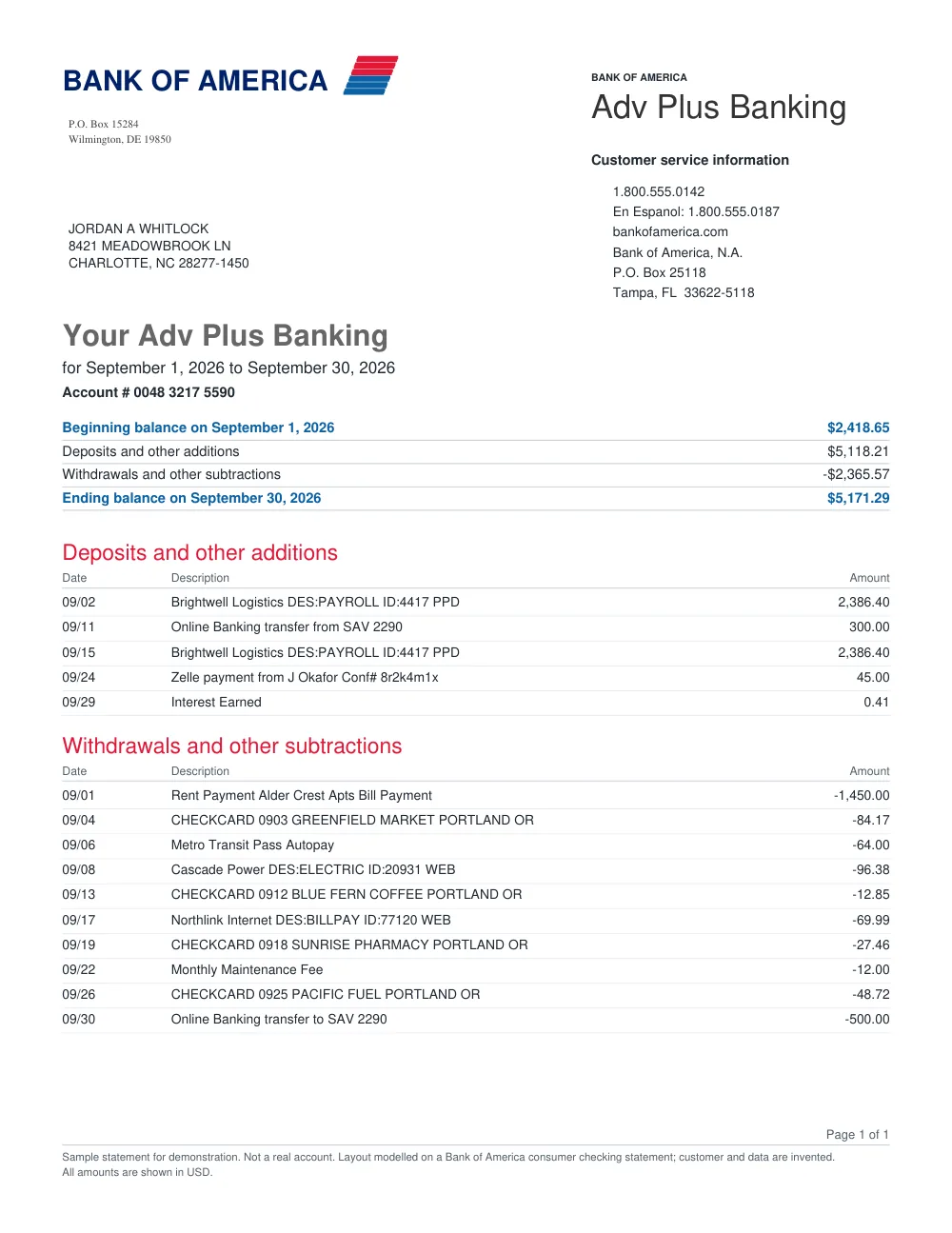
Convert Bank of America Statements to Excel & CSV

Turn your Bank of America PDF statements into structured Excel spreadsheets or CSVs with transaction balance checks.

First bank statement free. Sign in to try it.

Drop your file here

PDF, PNG, JPG, WebP

Example statement and structured output

FastOCR extracts account details and transaction rows, and results show “Checks passed” or “Needs review” so you can see whether something needs a closer look.

Original document
Bank statement sample: First Bank of Wiki
Processing...
Extracted statementCAD · Checks passed

Your transactions are ready

First Bank of Wiki · 17 transactions · 1 account

Checks passed — ready for automationBalance and source checks found no issue; apply your normal controls before using this result.

First Bank of Wiki

Chequing AccountCAD

#00005-123-456-7

2003-10-09 → 2003-11-08

Opening0.55
Closing-72.47
Change-73.02
  • Payroll Deposit - HOTEL

    2003-10-14

    +694.81

    695.36

  • Web Bill Payment - MASTERCARD (Ref: 9685)

    2003-10-14

    −200.00

    495.36

  • ATM Withdrawal - INTERAC (Ref: 3990)

    2003-10-16

    −21.25

    474.11

  • Fees - Interac

    2003-10-16

    −1.50

    472.61

  • Interac Purchase - ELECTRONICS (Ref: 1975)

    2003-10-20

    −2.99

    469.62

  • Web Bill Payment - AMEX (Ref: 3314)

    2003-10-21

    −300.00

    169.62

This example illustrates the output shape. Your result depends on the source, and you can download it as Excel, CSV, or JSON.

Bank Statement Packs

One-time pages · valid 12 months

100 pages~10–30 statements
$4.99
500 pages~50–150 statements
$24.99
2,000 pages~200–600 statements
$79.99
10,000 pages~1,000–3,000 statements
$299
50,000 pages~5,000–15,000 statements
$999

How to convert Bank of America statements in 3 simple steps

1

Upload your Bank of America statement

Upload your Bank of America PDF or image statement securely.

2

Extract transaction tables

FastOCR reads transaction line items, separating deposits, withdrawals, and balances.

3

Download Excel or CSV

Get your formatted spreadsheet (.xlsx, .csv, or .json) ready for review or record-keeping.

Bank of America Statement Extraction Features

Bank of America Layout Detection

Accurately parses standard Bank of America checking, savings, and credit card statement tables.

Clean Column Formatting

Keeps dates, descriptions, debits, and credits in neat spreadsheet columns.

Discrepancy Flags

Highlights any rows where numbers or values should be verified with the original PDF.

Flexible Spreadsheet Formats

Export directly to Excel (.xlsx), standard CSV, or structured JSON.

Frequently asked questions

Which file formats does FastOCR support for Bank of America?

You can upload PDF files up to 50 MiB, or PNG, JPG, JPEG, and WebP images up to 20 MiB after sign-in.

Is there a free trial for Bank of America statements?

Yes. After sign-in, you can convert one statement up to 20 pages for free.

Can I import the CSV into accounting software?

Yes. The CSV output provides standard date, description, debit, credit, and balance columns suitable for importing into spreadsheets and financial tools.

Looking for a general statement tool? Return to the main Bank Statement Converter or read the bank statement OCR guide.