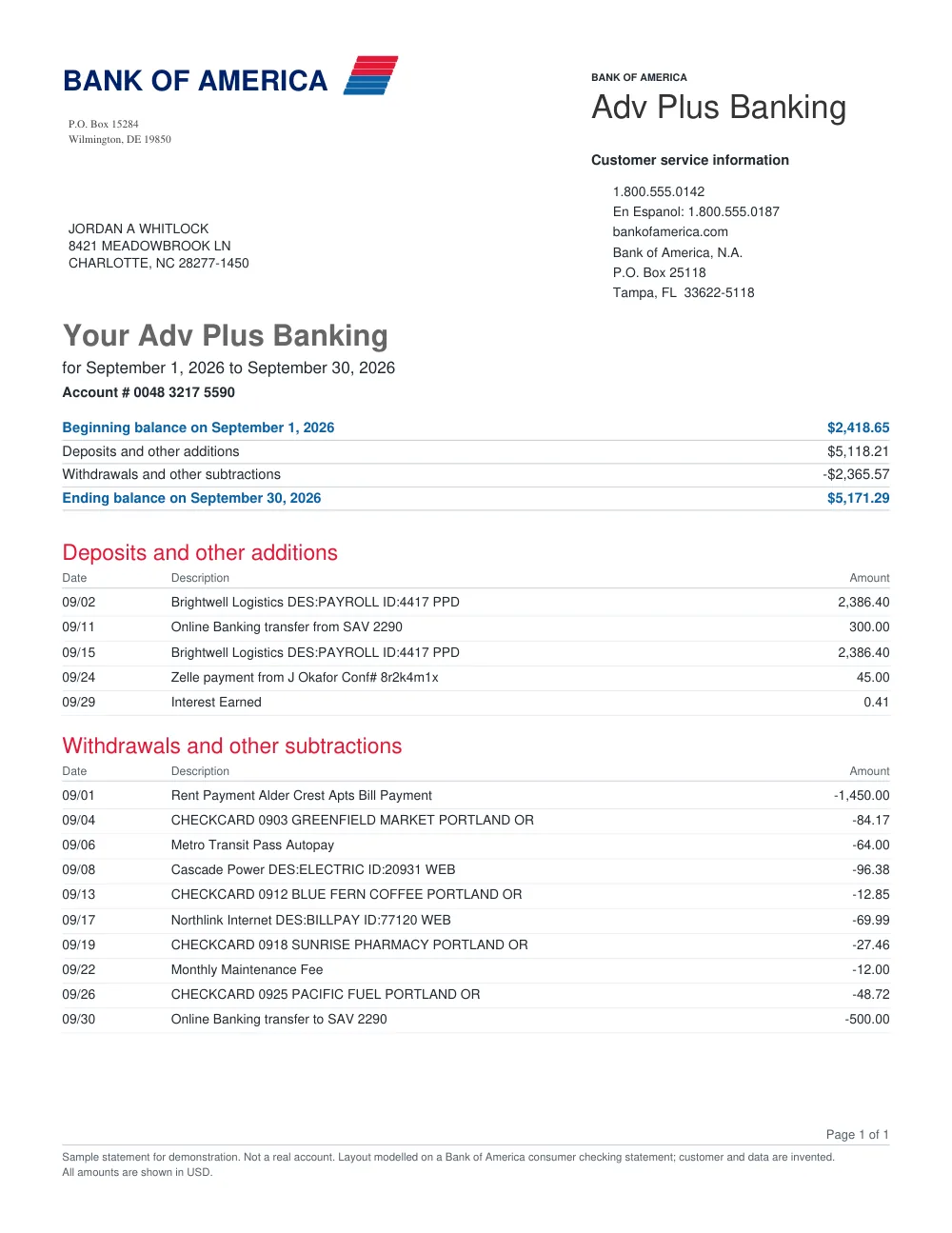
How to convert PNC Bank statements in 3 simple steps
1
Upload PNC statement
Upload your PNC PDF statement.
2
Process transactions
FastOCR organizes statement rows and checks balance numbers.
3
Export spreadsheet
Download your clean XLSX, CSV, or JSON file.
PNC Bank Statement Extraction Features
PNC Multi-Page Parsing
Extracts all transaction sections across multi-page PNC statements.
Clear Column Layout
Separates dates, descriptions, withdrawals, and deposits into distinct columns.
Review Indicators
Notifies you if any row requires manual verification against the original statement.
Excel & CSV Ready
Compatible with Microsoft Excel, Google Sheets, and standard financial tools.
Frequently asked questions
How do I start the PNC statement free trial?
Simply sign in. Your first 50 statement pages are free.
Can I download the data as CSV?
Yes. Results are available in CSV, JSON, and Excel (.xlsx) formats.
Other popular bank statement converters
Looking for a general statement tool? Return to the main Bank Statement Converter or read the bank statement OCR guide.