Convert Citibank Statements to Excel & CSV

Extract transaction tables from your Citibank PDF statements into organized Excel and CSV files.

First bank statement free. Sign in to try it.

Drop your file here

PDF, PNG, JPG, WebP

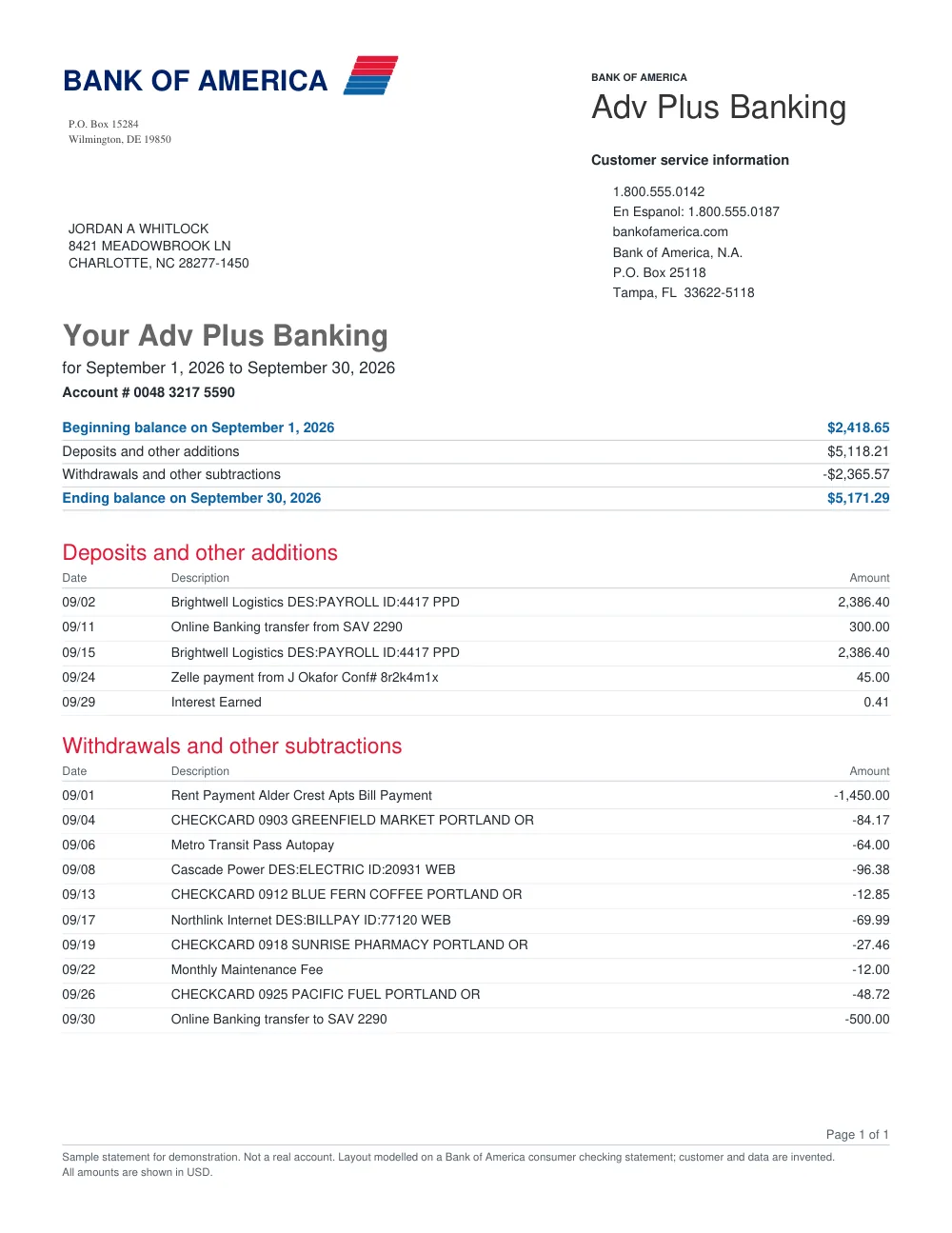
Example statement and structured output

FastOCR extracts account details and transaction rows, and results show “Checks passed” or “Needs review” so you can see whether something needs a closer look.

Original document
Bank statement sample: First Bank of Wiki
Processing...
Extracted statementCAD · Checks passed

Your transactions are ready

First Bank of Wiki · 17 transactions · 1 account

Checks passed — ready for automationBalance and source checks found no issue; apply your normal controls before using this result.

First Bank of Wiki

Chequing AccountCAD

#00005-123-456-7

2003-10-09 → 2003-11-08

Opening0.55
Closing-72.47
Change-73.02
  • Payroll Deposit - HOTEL

    2003-10-14

    +694.81

    695.36

  • Web Bill Payment - MASTERCARD (Ref: 9685)

    2003-10-14

    −200.00

    495.36

  • ATM Withdrawal - INTERAC (Ref: 3990)

    2003-10-16

    −21.25

    474.11

  • Fees - Interac

    2003-10-16

    −1.50

    472.61

  • Interac Purchase - ELECTRONICS (Ref: 1975)

    2003-10-20

    −2.99

    469.62

  • Web Bill Payment - AMEX (Ref: 3314)

    2003-10-21

    −300.00

    169.62

This example illustrates the output shape. Your result depends on the source, and you can download it as Excel, CSV, or JSON.

Bank Statement Packs

One-time pages · valid 12 months

100 pages~10–30 statements
$4.99
500 pages~50–150 statements
$24.99
2,000 pages~200–600 statements
$79.99
10,000 pages~1,000–3,000 statements
$299
50,000 pages~5,000–15,000 statements
$999

How to convert Citibank statements in 3 simple steps

1

Upload Citibank PDF or scan

Select your Citibank statement file (PDF or image).

2

Read and verify transactions

FastOCR identifies all transaction entries and verifies summary totals.

3

Download formatted data

Export clean Excel, CSV, or JSON files for your spreadsheets.

Citibank Statement Extraction Features

Citibank Table Formatting

Handles Citibank statement sections including deposits, debits, and interest summaries.

Structured Output

Provides neat columns for date, transaction description, amount, and running balance.

Review Guidance

Highlights lines that may need verification against your original document.

Direct Spreadsheet Download

Download ready-to-use Excel (.xlsx) and CSV files in seconds.

Frequently asked questions

Does FastOCR work with Citibank personal and business statements?

Yes. FastOCR extracts transaction tables from both personal checking and commercial accounts.

Is sign-in required to convert Citibank statements?

Yes. Sign-in is required to secure your files and provide your free 20-page trial statement.

Looking for a general statement tool? Return to the main Bank Statement Converter or read the bank statement OCR guide.