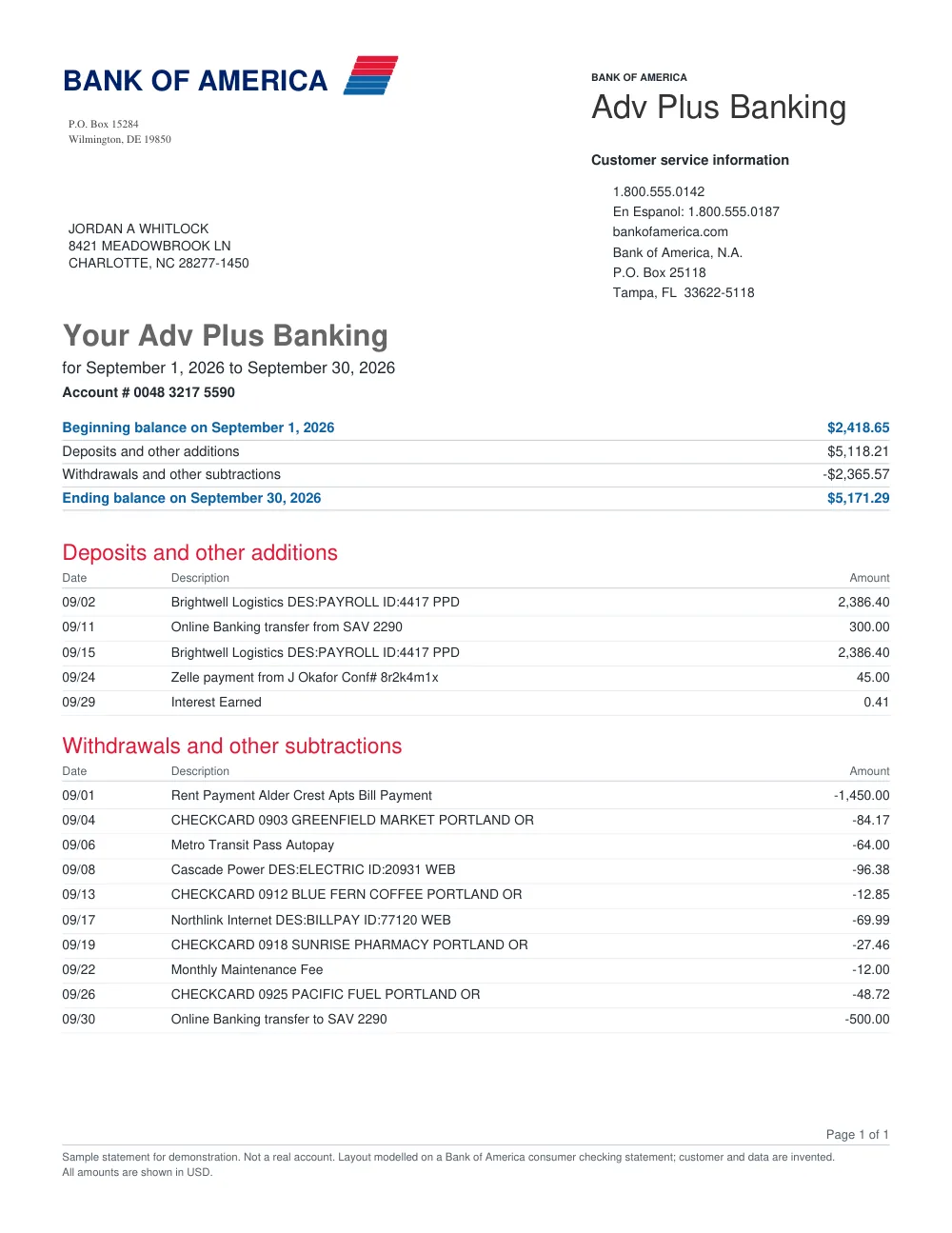
How to convert Capital One statements in 3 simple steps
1
Upload Capital One statement
Drop your PDF statement into the converter.
2
FastOCR reads transactions
The converter organizes transaction rows and checks balance totals.
3
Download Excel or CSV
Get your spreadsheet (.xlsx, .csv, or .json) ready to open or import.
Capital One Statement Extraction Features
Capital One 360 & Business Support
Parses personal checking, savings, and small business Capital One statements.
Clean Table Organization
Maintains date order and separates debits from credits clearly.
Discrepancy Alerts
Flags rows where numbers or details should be confirmed with the original document.
Multi-Format Export
Export to Excel (.xlsx), CSV, or structured JSON.
Frequently asked questions
Can I convert Capital One credit card statements?
No, not yet. FastOCR reads bank account statements (checking and savings). Card and loan statements are refused and you are not charged.
What is the file size limit for Capital One statements?
PDFs up to 50 MiB are supported.
Other popular bank statement converters
Looking for a general statement tool? Return to the main Bank Statement Converter or read the bank statement OCR guide.