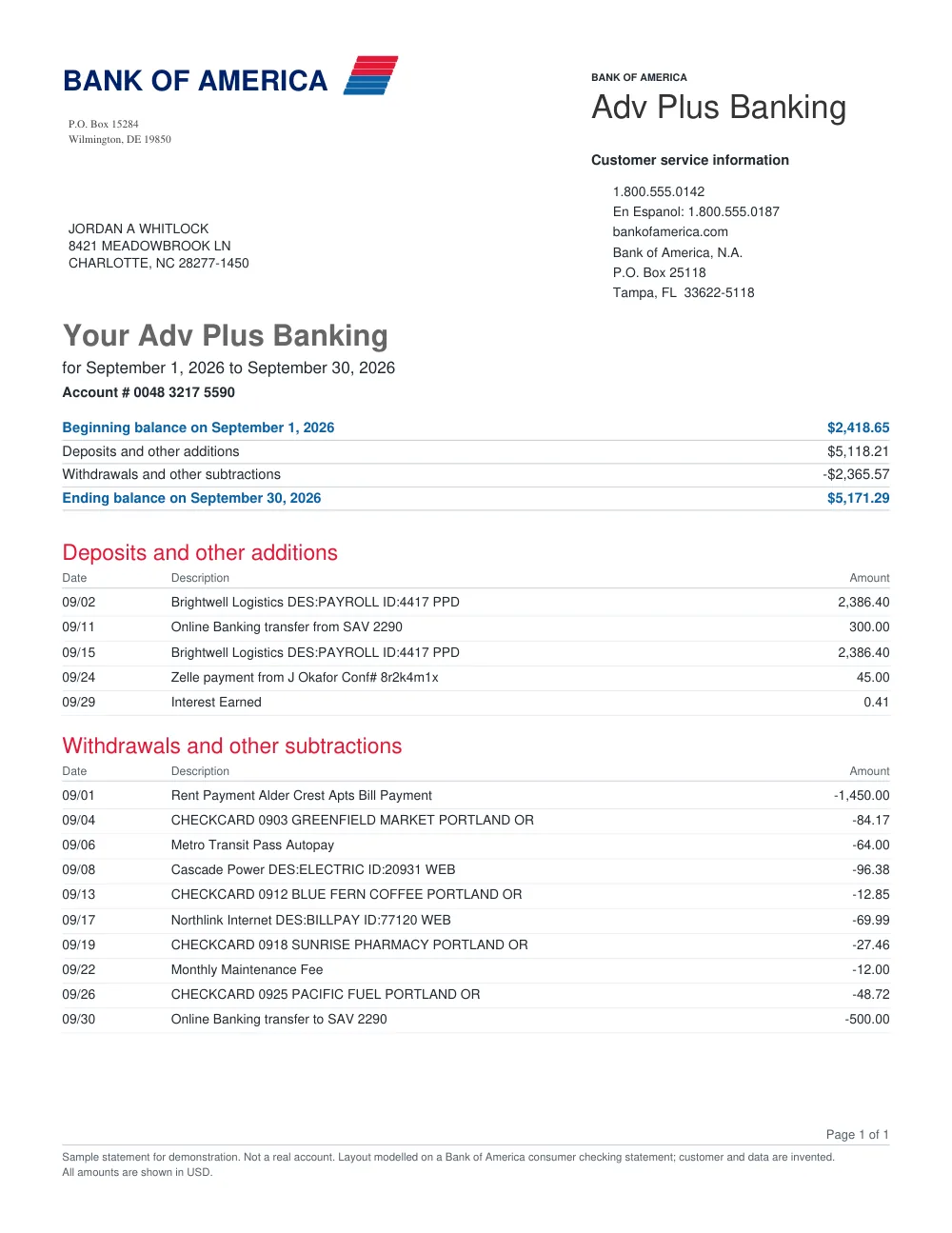
How to convert Revolut statements in 3 simple steps
Upload Revolut statement
Drop your Revolut PDF statement into FastOCR.
Extract transactions
FastOCR parses card payments, transfers, and exchange transactions.
Download file
Export clean Excel (.xlsx), CSV, or JSON tables.
Revolut Statement Extraction Features
Multi-Currency Statement Support
Reads English Revolut personal and business account statements. Check the amounts in a multi-currency statement against your statement.
Clean Transaction Classification
Separates payments, top-ups, transfers, fees, and running balances.
Math & Total Verification
Verifies balance continuity and flags lines that need manual review.
Spreadsheet Ready
Open in Microsoft Excel, Google Sheets, or import directly into accounting tools.
Frequently asked questions
Can I convert Revolut Business and Personal statements?
Yes. FastOCR handles both Revolut Business multi-currency accounts and personal statements.
How many pages are in the free trial?
After sign-in, your first 50 statement pages are free.
Other popular bank statement converters
Looking for a general statement tool? Return to the main Bank Statement Converter or read the bank statement OCR guide.